
2D Sketch to SDF Converter
Was this tool helpful?
Thanks for your feedback 😍
Many computational chemistry and cheminformatics workflows require structures in the Structure-Data File (SDF) format. This 2D sketch to SDF converter allows a molecule to be drawn directly in the browser and exported as an SDF file within seconds. No desktop drawing software is needed.
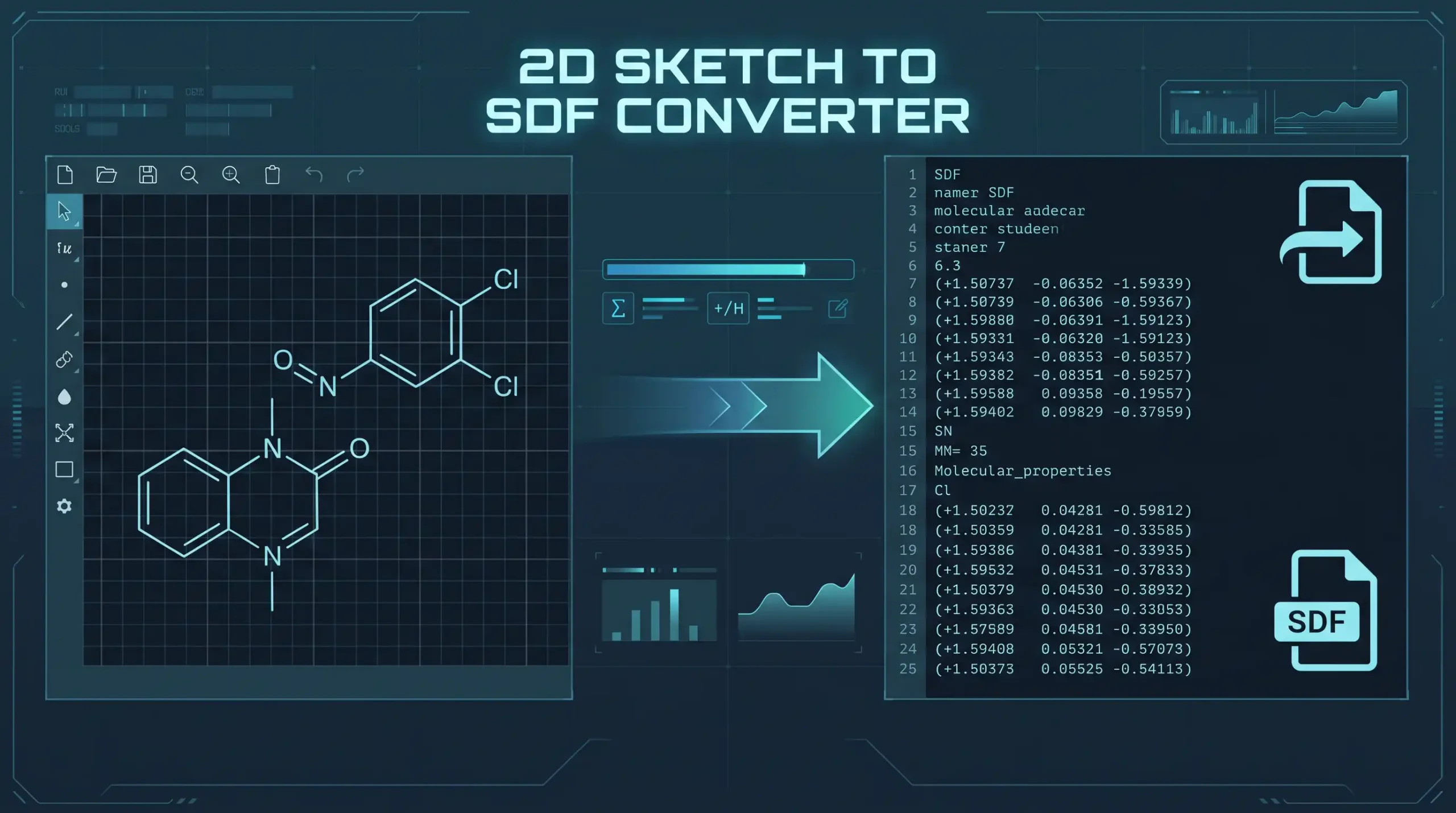
The tool combines a professional online chemical structure editor with an export module that supports both SDF V2000 and SDF V3000. Calculated molecular properties are displayed alongside the drawing, so the structure can be verified before the file is saved.
How to Convert a 2D Sketch to an SDF File
- Draw the structure. Use the bond, ring and atom tools on the canvas. Common atoms are available as quick-access buttons, and the full periodic table is also provided.
- Verify the molecule. Open the Properties tab and confirm that the formula and molecular weight match the intended compound.
- Open the Export tab. Select SDF (V2000 or V3000) as the output format.
- Save the file. Copy the content or download the SDF file for use in your workflow.
Important Note on 2D and 3D Coordinates
A structure drawn on a two-dimensional canvas is exported with 2D coordinates. This is suitable for compound registration, database storage, cheminformatics pipelines and many descriptor-calculation tasks. Applications that require three-dimensional geometry, such as molecular docking, generally need a subsequent processing step to generate or optimize 3D coordinates.
Typical Applications
- Preparing query or reference structures for cheminformatics software
- Creating SDF entries for small compound libraries
- Generating input files for downstream conversion and modeling workflows
- Producing structure files for teaching materials and student exercises
- Converting a sketched hypothesis or lead compound into a shareable file
Related Tools
- To convert an existing structure image instead of drawing it, use the Image to Chemical Structure Converter.
- To convert the resulting file to other formats, use the SDF File Converter, the SDF to MOL2 Converter or the SDF to SMILES Converter.
- To inspect the exported file, open it in the SDF File Viewer.
- For general format conversion, use the Open Babel Online Converter.
- To check mass from a molecular formula, use the Molecular Weight Calculator.
Further resources are available in the ScienceCodons Tools Hub.
Frequently Asked Questions
What is the difference between SDF V2000 and V3000?
V2000 is the older and most widely supported version. V3000 removes the limits on atom and bond counts of V2000 and supports more complex structural features. Choose the version required by your target software.
Does the exported SDF file contain 3D coordinates?
No. A structure drawn on the 2D canvas is exported with two-dimensional coordinates. Three-dimensional geometry must be generated in a separate step if required.
Can I draw several molecules in one SDF file?
The editor is designed for drawing and exporting one structure at a time. For working with multi-molecule SDF files, see the SDF File Converter and SDF File Viewer linked above.
Is the tool free to use?
Yes. Structures can be drawn and exported without creating an account.
Meet the Authors

Mahdi Morshedi Yekta
Founder & Bioinformatics Developer
Mahdi is the founder of ScienceCodons and a Medical Biotechnologist with a deep passion for computational biology. Holding an M.Sc. in Medical Biotechnology, he specializes in transforming complex biological algorithms into accessible, high-performance web tools, bridging the gap between laboratory sciences and software engineering.

Fatemeh Faryadras
Medical Biotechnologist & Researcher
Fatemeh is a Medical Biotechnologist and researcher. With extensive expertise in genetic engineering, molecular cloning, and cancer biology, she combines her rigorous laboratory background with intuitive design principles to create reliable, user-centered scientific calculators and tools.

Dr. Mosayeb Rostamian
Assistant Professor, Infectious Diseases Research Center
Certified Scientific Reviewer
Google ScholarExpert Review Process
To ensure the highest quality and scientific accuracy, this tool's underlying algorithms, formulas, and edge-case handling have been thoroughly reviewed and validated by Dr. Mosayeb Rostamian.
The "Reviewed By" badge signifies that an independent expert has evaluated the tool's logic to guarantee accuracy and alignment with the current consensus in the scientific community.